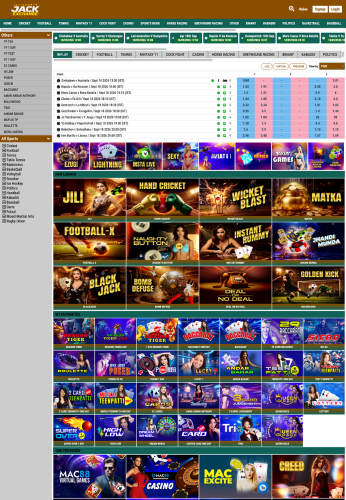
Sports99
Explore this platform interface and review the available setup before discussing your business requirements.
jackexch.co
See Website →
Explore professional B2B and B2C panel solutions, ready-made platform interfaces and business-focused setup options from one place.

Explore professional B2C platform examples designed for businesses that want a branded, easy-to-manage online setup.
Explore this platform interface and review the available setup before discussing your business requirements.
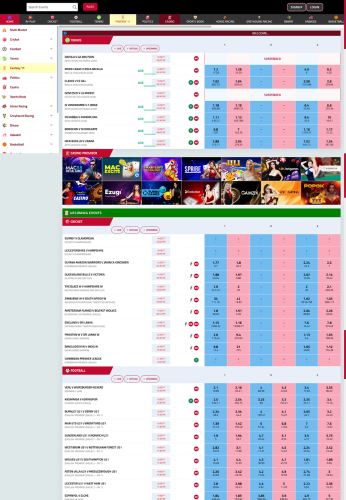
Explore this platform interface and review the available setup before discussing your business requirements.
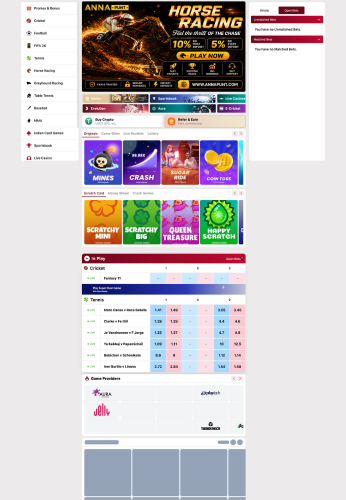
Explore this platform interface and review the available setup before discussing your business requirements.
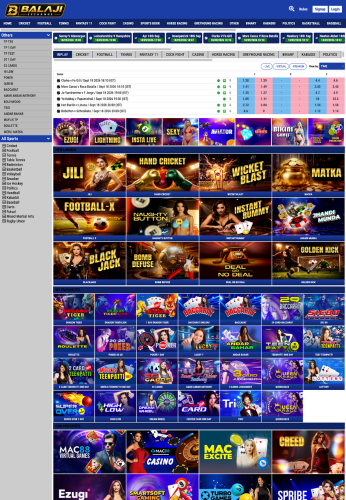
Explore this platform interface and review the available setup before discussing your business requirements.
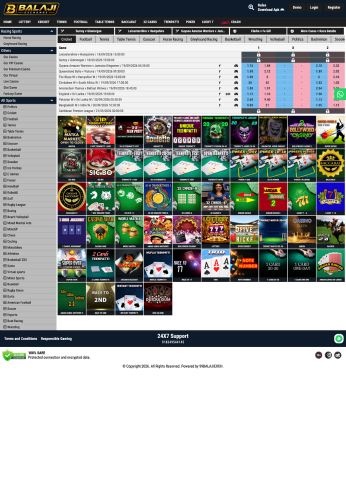
Explore this platform interface and review the available setup before discussing your business requirements.

Explore this platform interface and review the available setup before discussing your business requirements.
Browse available B2B platform examples and compare interfaces before choosing the type of business solution you want to discuss.
Explore this platform interface and review the available setup before discussing your business requirements.
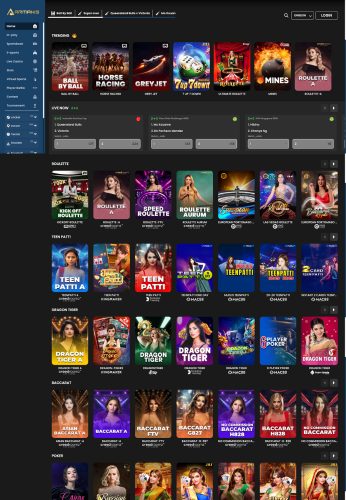
Explore this platform interface and review the available setup before discussing your business requirements.

Explore this platform interface and review the available setup before discussing your business requirements.
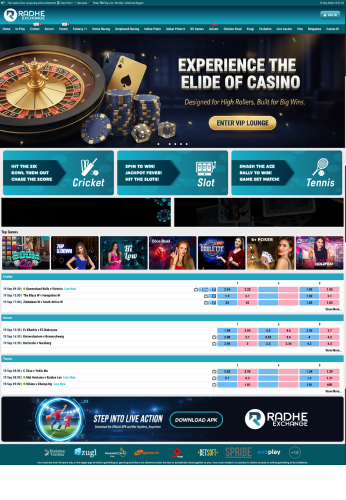
Explore this platform interface and review the available setup before discussing your business requirements.
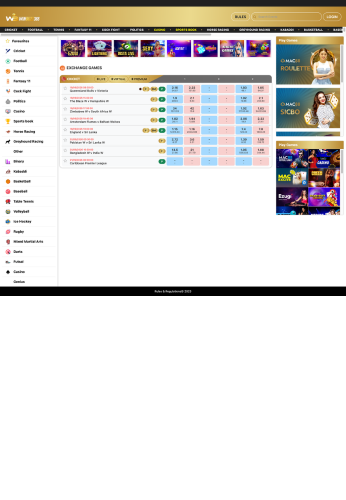
Explore this platform interface and review the available setup before discussing your business requirements.
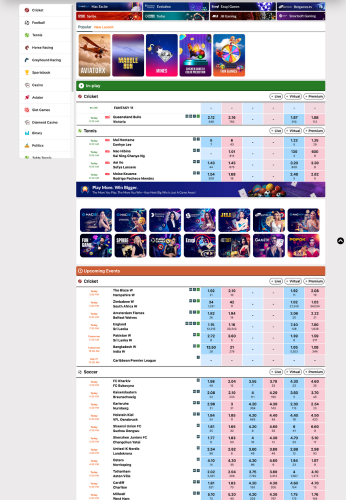
Explore this platform interface and review the available setup before discussing your business requirements.
A practical platform approach focused on branding, administration, responsive design and technical assistance.
Present your business through a professional interface with your preferred domain and visual identity.
Use a structured administration experience designed to keep routine platform management simple.
Platform interfaces are designed to provide a consistent experience across desktop and mobile devices.
Get setup guidance and technical assistance when configuring your selected solution.
Choosing a panel is not only about how the website looks. A business needs to understand the platform structure, administration tools, branding options, technical setup and level of support available before moving forward.
A B2B panel provider offers a platform structure intended for business-level operation and administration. Instead of starting with a completely new system, a business can review an existing panel setup, understand how it is organized and discuss the configuration required for its own operation.
The meaning of a B2B panel can differ between providers. Some solutions focus on administration and account management, while others put more emphasis on branding, reporting, platform controls or a ready-made interface. It is therefore useful to look beyond the package name and confirm what is actually included.
A sensible starting point is to define who will manage the platform, which administrative controls are required, what type of interface the business wants and how much technical assistance will be needed after launch.
A B2C panel provider focuses on customer-facing platform setups. The front end matters because customers need a clear interface that works comfortably on phones, tablets and desktops. At the same time, the business operating the platform needs a dependable administration layer behind that interface.
When comparing B2C solutions, businesses can look at the overall interface, navigation, branding flexibility, account-management workflow, responsiveness and available support. The right structure depends on the business model and the functions the operator actually needs.
The phrase master panel provider generally refers to a provider offering a higher-level platform or administration structure through which a business can manage its setup. The practical value is having important controls organized in one place rather than relying on disconnected tools.
A B2B master panel provider may therefore be relevant to businesses looking for a more structured administrative environment. Features vary from one platform to another, so it is important to confirm which controls, integrations, branding options, technical services and support arrangements are actually available.
Two platforms can use similar terminology while offering very different workflows. A short requirements checklist makes the comparison much clearer.
A professional-looking demo is useful, but it is only one part of the decision. The underlying setup and the service available around it can have a much bigger effect on day-to-day operation.
Understand whether the solution is designed around customer-facing use, business administration, or a combination of both. The structure should match the people who will actually operate it.
Ask how the platform can be presented under your business identity, including domain configuration, visual branding and the parts of the interface that can be customized.
A panel should make routine management understandable. Review the dashboard, available controls, reporting workflow and user permissions instead of judging the solution only from its homepage.
Many users access online platforms from mobile devices. Check the navigation, buttons, tables and important screens at smaller resolutions before committing to a setup.
Find out what happens when configuration changes are required or a technical issue appears. Clear communication and defined support can make the launch process much easier to manage.
A platform that works for a small operation may need different resources as usage grows. Discuss available upgrade paths and infrastructure requirements before the business becomes dependent on a particular setup.
B2B and B2C are often discussed together, but they solve different operational needs. The simplest way to understand the difference is to look at who interacts with the platform and what the platform is expected to accomplish.
A B2C setup places more attention on the customer-facing experience. The interface needs to be simple to navigate, consistent with the business brand and comfortable across devices. The administration side remains important, but the customer experience is a major part of the overall platform.
A B2B setup is more focused on business-level operation. Administration, controls, organization and the ability to manage a structured platform become more prominent. For businesses comparing a B2B panel provider, this distinction can help narrow down the type of solution worth reviewing.
There is no universal configuration that fits every business. The better approach is to list the required functions first and then compare providers against those requirements.
Having a clear plan before contacting a provider saves time and makes it easier to compare different platform options on the same basis.
Decide whether the main requirement is a customer-facing B2C interface, a business-oriented B2B environment, or a broader administration structure.
Write down the dashboard, branding, domain, user-management, reporting, responsive-design and support requirements that matter to the business.
Review actual interfaces and available examples. Looking at several options gives you a clearer idea of the differences between providers.
Before launch, clarify what is included, how customization works, what technical assistance is available and which ongoing costs may apply.
These are some of the questions businesses commonly consider when researching panel platforms and provider services.
A panel provider supplies or supports a platform setup that can be configured for a business. Depending on the service, this may include the interface, administration environment, branding, domain setup and technical assistance.
B2C generally emphasizes the customer-facing experience, while B2B places greater emphasis on business-level operation and administration. The actual features vary between individual platforms.
Ask about included features, branding and domain options, management controls, customization, technical support, infrastructure, maintenance and any recurring charges before choosing a setup.
Many platform solutions provide some level of branding or configuration, but the exact scope differs by provider. Confirm which elements can be changed before assuming a feature is included.
A responsive platform helps users navigate important screens on mobile devices without unnecessary zooming, horizontal scrolling or difficult controls.
Compare them against the same checklist: platform structure, administration, branding, technical support, scalability, customization, pricing and the exact services included.
A straightforward process keeps the initial setup clear and organized.
Review B2B and B2C platform options based on your business requirements.
Tell the team about your preferred platform, branding and setup requirements.
Complete the required domain, branding and platform configuration steps.
Launch the configured platform with technical guidance and support.
Explore the available B2B and B2C platform options or contact the team to discuss your requirements.