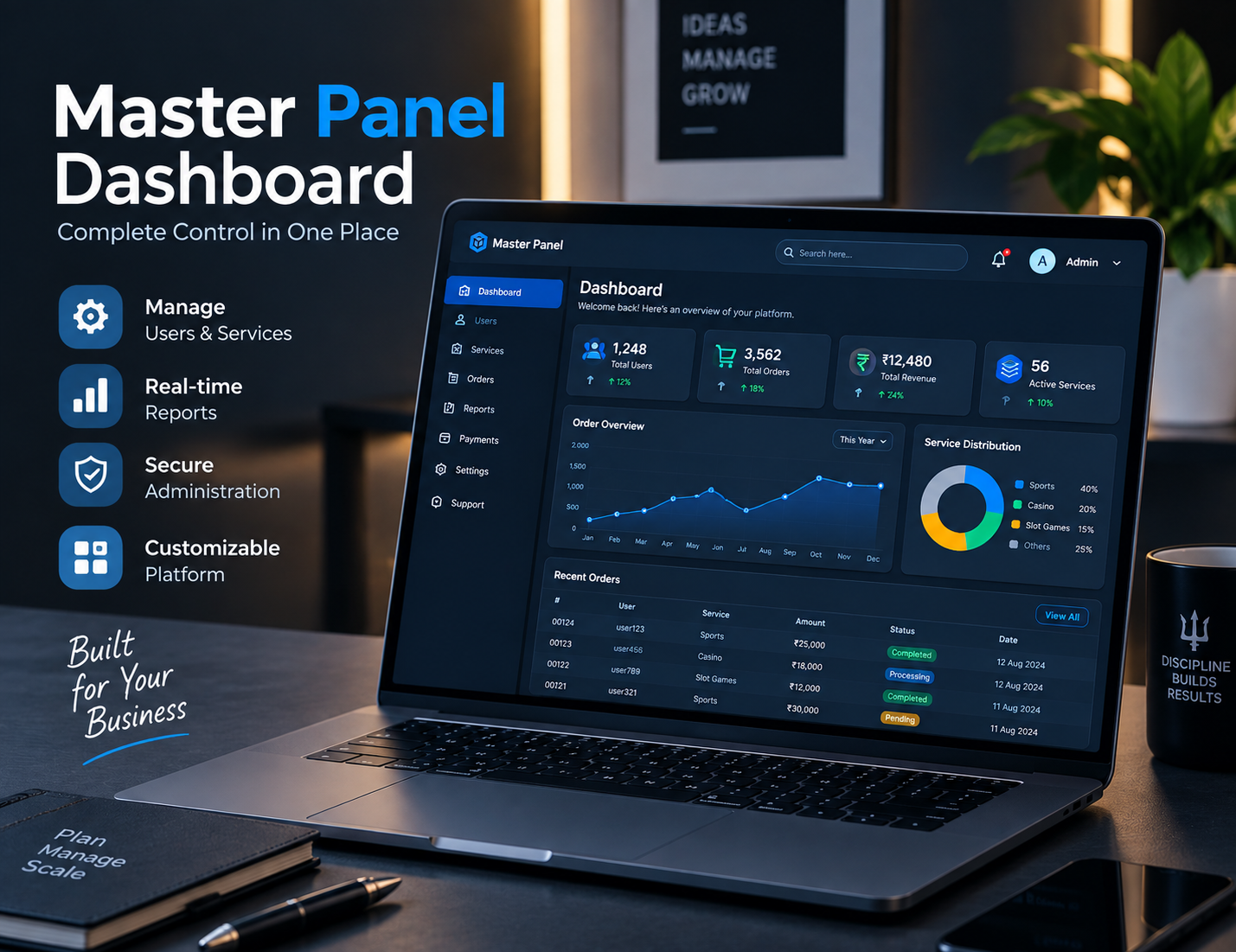
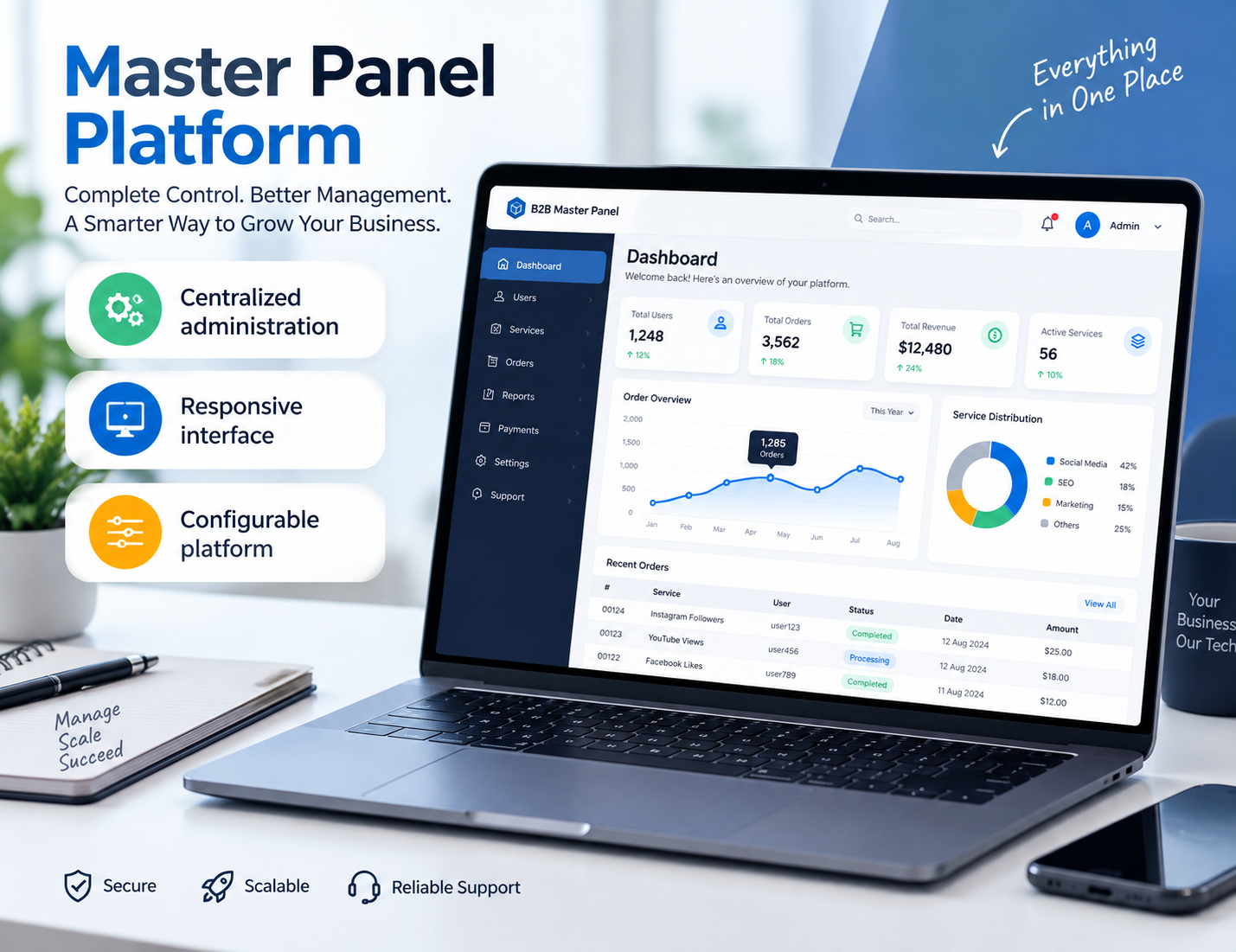
Master Panel Platform

A Master Panel Built Around Better Platform Management.

A master panel brings supported administration and management functions into one structured environment. This page explains what to look for in a master panel provider, how the platform can be organized and which features are worth reviewing before implementation.

✓ Centralized administration ✓ Responsive interface ✓ Configurable platform
Master panel provider platform interface
✓ Centralized Platform
✓ Responsive Management
Master Panel Guide

What Is a Master Panel?

A master panel is generally used to describe a centralized interface where supported platform administration and management functions can be organized in one place.

Businesses often work with several different operational tasks at the same time. When those tasks are spread across unrelated interfaces, everyday management can become unnecessarily complicated. A well-structured master panel can bring relevant controls together into a more consistent working environment.

The exact meaning of a master panel varies between platforms. One solution may focus heavily on administration, while another may include branding, reporting, user management, configuration tools and additional platform services.

That difference is important when choosing a master panel provider. Instead of comparing names alone, businesses should review the actual interface, available features, customization options and support arrangements.

You can also compare the broader B2B master panel provider page to understand how a business-focused panel can fit into a wider platform structure.

Master panel dashboard and administration interface
Choosing Your Provider

What Does a Master Panel Provider Actually Provide?

A master panel provider can be responsible for supplying the platform itself, configuring the environment or providing ongoing technical assistance. The exact scope depends on the provider and package.

Some businesses require a straightforward management interface, while others need a more configurable platform with branding, access controls, reporting and technical support.

The most important step is therefore to understand what is actually included before implementation. A platform description should be matched against your real business requirements.

✓ Platform configuration
✓ Administration environment
✓ Branding options
✓ Responsive interface
✓ Technical assistance
Discuss Your Requirements →
Platform Components

Important Master Panel Features to Review

A master panel should be evaluated according to the actual work it needs to support. These are some of the areas worth checking before selecting a platform.

01

Central Administration

A centralized administration environment can make supported platform controls easier to locate and manage from one interface.

02

User Access

If multiple authorized users need access, review whether the platform provides suitable account and permission controls.

03

Reporting

Reporting interfaces can help organize supported platform information and give administrators a clearer operational overview.

04

Responsive Design

A responsive master panel can make supported administration tasks easier to access across different screen sizes.

05

Branding

Depending on the provider, branding may include logos, colors, domains and selected interface components.

06

Technical Support

Clear support arrangements are important during setup, configuration, maintenance and future platform changes.

Platform Architecture

How a Master Panel Can Organize a Business Platform

The value of a master panel comes from how clearly its different functions are organized for the people who actually use them.

Administration layer

The administration layer provides the interface for supported management functions. Its navigation should be understandable and organized around real tasks rather than unnecessary complexity.

Configuration layer

Configuration controls may allow authorized users to manage supported settings, branding elements or other platform preferences.

User layer

Where multiple users are supported, the platform may provide different levels of access depending on responsibilities and permissions.

Reporting layer

Reporting tools can bring relevant platform information into an organized view so authorized users can review supported activity more efficiently.

If you are specifically looking for a business-level implementation, compare this structure with our B2B master panel provider guide.

Customization

Can a Master Panel Be Customized?

Customization depends entirely on the underlying platform and the services offered by the provider.

Some businesses want a standard interface that can be configured quickly, while others need the platform to reflect an established brand identity.

Depending on the master panel provider, supported customization can include elements such as logos, colors, domains, page components and selected interface sections.

Functional customization should be discussed separately. Changing a color or logo is very different from changing the way a platform operates. Before implementation, ask the provider to clearly identify which elements are configurable and which remain part of the standard platform.

This simple distinction can prevent misunderstandings and makes it easier to estimate the real development requirements of a project.

Detailed Information

Understanding the Master Panel Provider Model

Why businesses look for a master panel

Managing a digital platform often involves more than maintaining a public-facing website. There can be administrative settings, authorized users, reporting, configuration and ongoing maintenance to consider. A centralized master panel can provide a single environment for supported management tasks.

The exact advantages depend on the platform. A simple interface can be valuable when a team wants quick access to routine controls, while a more comprehensive system may be appropriate when several administrative requirements need to be brought together.

What makes a master panel provider different?

A provider is more than a source of software. Depending on the arrangement, the provider may also be involved in configuration, deployment, technical support, branding and maintenance.

This is why businesses should ask detailed questions before selecting a provider. The same phrase, master panel provider, can describe very different services depending on the company.

The interface matters as much as the feature list

A long feature list does not automatically mean that a platform will be easy to use. Navigation and information architecture are important because administrators need to find the tools they use most frequently without unnecessary steps.

When reviewing a master panel, pay attention to the actual workflow. Can the main areas be found quickly? Are important settings logically grouped? Does the interface remain usable on different screen sizes?

Mobile accessibility and responsive design

Modern business teams often work across multiple devices. A responsive master panel can provide a more practical experience when supported administration tasks need to be accessed away from a desktop.

Responsive design should still be tested using the actual platform. Different browsers and screen sizes can expose usability problems that are not visible from a desktop screenshot.

Support should be discussed before launch

A platform may work exactly as expected during the initial setup and still require technical attention later. Businesses should therefore understand the provider's support model before implementation.

Questions about updates, maintenance, configuration changes, troubleshooting and future customization are all worth discussing early.

Comparing master panel solutions

The easiest way to compare different solutions is to create one checklist and apply it consistently. Review administration, responsiveness, branding, supported workflows, technical assistance, infrastructure and maintenance.

You can start with the available B2B panel solutions , then review the platform features and implementation process before contacting the team.

Choosing a provider based on your actual requirements

There is no single master panel that fits every organization. The right approach is to identify the functions your team actually needs and then compare those requirements against the platform.

If you are still researching options, our B2B master panel provider guide provides additional information about business-focused panel requirements.
Platform Comparison

Master Panel Areas Worth Comparing

01

Platform Structure

Review whether the navigation and administration structure matches the way your team works.

02

Customization

Confirm which branding and configuration elements can actually be changed.

03

Support

Understand the support process and what is included during setup and future maintenance.

04

Scalability

Consider whether the platform can continue to meet your operational requirements as your organization changes.

Frequently Asked Questions

Master Panel Provider FAQs

What is a master panel?

A master panel is a centralized platform interface used to organize supported administration and management functions. Its exact capabilities depend on the underlying platform.

What does a master panel provider do?

A master panel provider supplies or supports the platform and may also handle configuration, branding, technical assistance or maintenance depending on the service arrangement.

What should I check in a master panel?

Review the administration structure, responsiveness, supported features, branding options, configuration, support and maintenance arrangements.

Can a master panel be customized?

Some platforms support branding and selected configuration changes. The exact level of customization should be confirmed with the provider.

How do I choose a master panel provider?

Compare providers using the same requirements: platform features, administration, customization, responsive design, support, maintenance and included services.

Where can I see B2B panel options?

Visit the B2B panel page to explore the available platform options and then review the individual requirements before contacting the provider.

Explore More

Related Master Panel Resources

Continue exploring the platform resources to understand the available solutions and implementation process.

01

B2B Master Panel Provider

Read the business-focused guide covering B2B master panel requirements and provider considerations.

Read B2B Guide →
02

B2B Panel

Explore the dedicated B2B platform directory and review the available panel structures.

View B2B Panels →
03

Features

Review the main features and platform components that businesses may want to evaluate.

View Features →
04

How It Works

Learn about the typical process from requirements through configuration and launch.

See Process →

Looking for a Master Panel Provider?

Explore the platform structure, review the available features and discuss your requirements before selecting a master panel solution.