Business Administration Platform

B2B Admin Panel Provider for Structured Business Management.

A modern B2B admin panel gives authorized teams a central place to manage supported business operations, platform settings, users and reports without depending on disconnected administration tools.

✓ Centralized administration ✓ Responsive dashboard ✓ Configurable platform
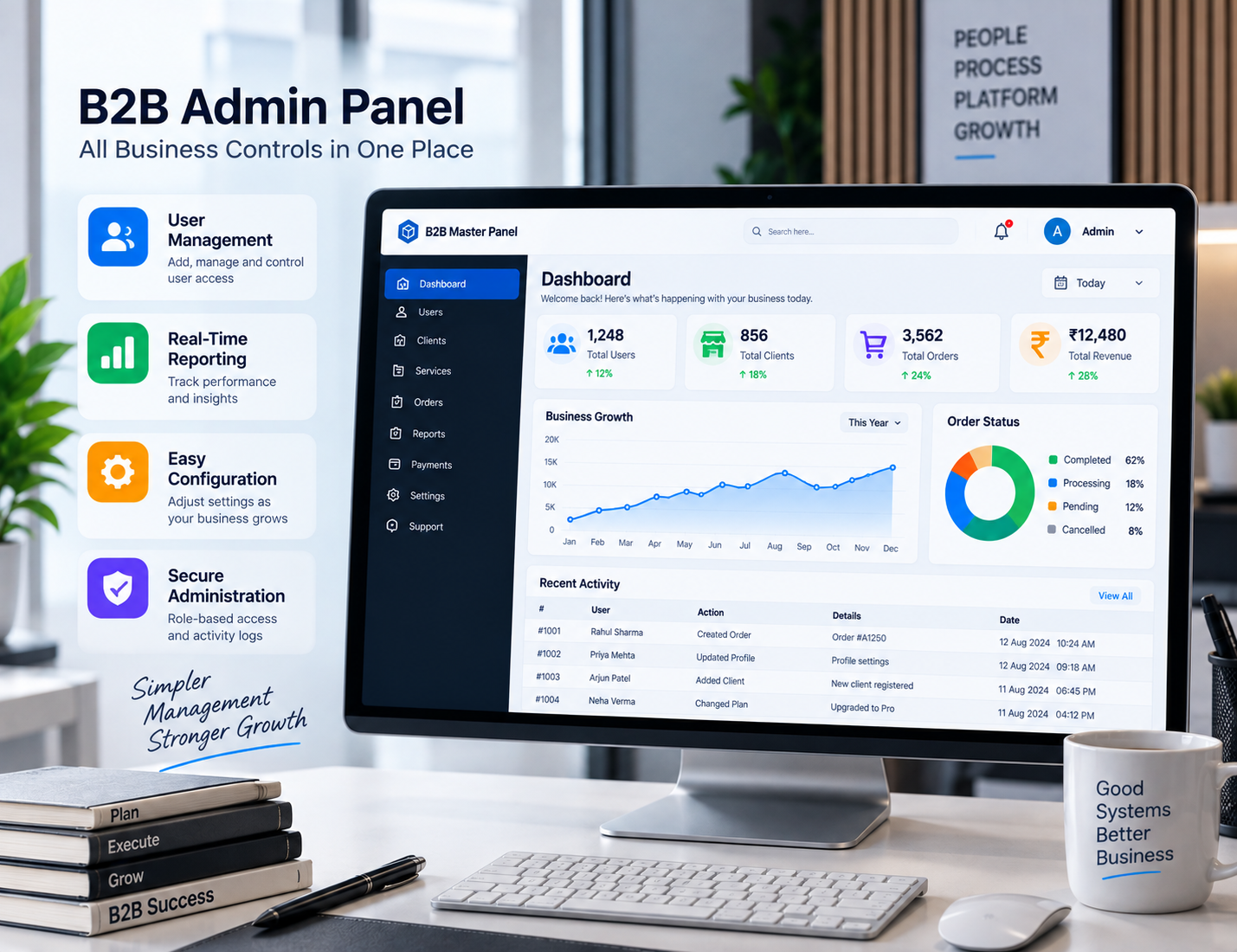
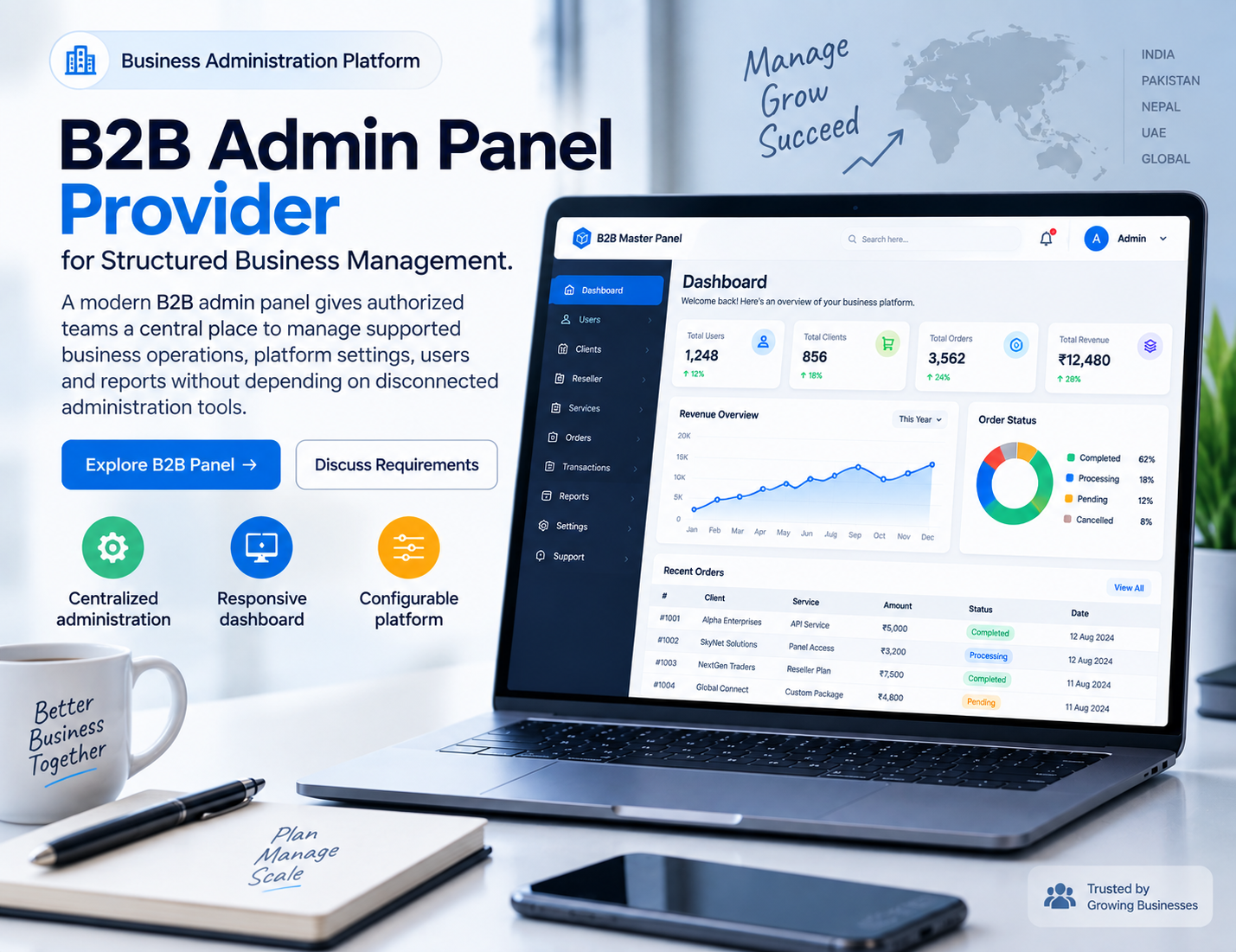
B2B admin panel provider dashboard interface
✓ Business Control
✓ Centralized Dashboard
B2B Administration

What Is a B2B Admin Panel?

A business administration panel brings important management functions into one organized interface.

A B2B admin panel is a centralized interface designed for authorized users who need to manage different parts of a business platform. Rather than moving between several separate tools, teams can access supported administration functions from a common dashboard.

The exact structure can be very different from one business to another. One company may need a simple administration dashboard, while another may require user roles, reporting, configuration, notifications, branding and additional management features.

This is where choosing the right B2B admin panel provider becomes important. The provider is not simply supplying a visual dashboard. Depending on the solution, the provider may also be responsible for configuration, customization, technical support and ongoing platform maintenance.

If you are still comparing the broader concept of master panels, our master panel provider guide explains how centralized management platforms are generally structured.

B2B admin panel business management dashboard
Centralized Management

One Administration Environment for Everyday Business Tasks

Business teams often deal with several types of information at the same time. User accounts, platform settings, reports, configuration and operational tasks can all require regular attention.

A well-planned admin panel brings those supported functions together in a way that is easier to navigate. The goal is not to put every possible control on one screen. A useful dashboard should present the right information in a logical order.

For a B2B environment, this can make a meaningful difference to everyday work. Different users can be given access to the areas they actually need, while administrators retain control over broader platform settings.

✓ Centralized administration
✓ Organized dashboard navigation
✓ User and role management
✓ Platform configuration
✓ Reporting and monitoring
Platform Features

Important Features of a B2B Admin Panel

A useful administration platform should make regular business tasks easier to understand and manage.

01

Central Dashboard

A clear dashboard gives authorized users a starting point for accessing the functions and information relevant to their role.

02

User Management

Businesses may need to create, manage and organize user accounts according to the responsibilities of different team members.

03

Role-Based Access

Different employees may require different levels of access. Role-based permissions can help keep those responsibilities organized.

04

Configuration

Supported platform settings should be easy for authorized administrators to find and manage.

05

Reporting

Reporting tools can help teams review supported platform information and understand activity through an organized interface.

06

Responsive Access

A responsive admin panel can adapt its interface to desktop, tablet and mobile screen sizes.

07

Notifications

Where supported, notifications can help users keep track of important platform events and administrative tasks.

08

Activity Overview

An organized activity view can make it easier for administrators to review relevant changes and platform events.

Access Management

Keep Users and Permissions Organized

Not every person working with a business platform needs access to every administration function.

One of the practical advantages of a B2B admin panel is the ability to organize access around different responsibilities. Administrators, managers and other authorized users may have different jobs inside the platform.

A properly structured permissions system can help separate those responsibilities. Instead of giving every account the same level of access, the platform can use supported roles or permissions to determine which areas each user can access.

The exact permission model depends on the administration platform. When speaking with an admin panel provider, businesses should ask how user roles work and whether the permission structure can be adapted to their workflow.

Questions worth asking

Can administrators create different user roles? Can permissions be changed later? Is access logged? Can inactive users be disabled? These are simple questions, but they can help reveal whether the platform is suitable for the team's actual needs.

Reporting & Visibility

Turn Platform Information Into a More Useful View

Reporting is most useful when the information is easy to find and relevant to the people using it.

A business administration dashboard can contain a large amount of information. Without a clear structure, even useful data can become difficult to work with.

A good B2B admin panel should therefore present supported reports in a way that makes sense for the intended users. Important information can be grouped by category, date, user or other relevant filters, depending on what the platform supports.

Reporting should also be considered alongside permissions. Not every user needs access to every report. The platform should allow businesses to organize access according to their internal responsibilities where supported.

A

Clear Information

Keep commonly used information easy to find instead of hiding it behind unnecessary navigation.

B

Useful Filters

Where available, filters can make larger reports easier to review.

C

Role-Based Visibility

Reporting access can be aligned with the responsibilities of different users.

Custom Platform

Can a B2B Admin Panel Be Customized?

Customization depends on the technology and the services offered by the provider.

Businesses often want their administration platform to match their existing brand and workflow. Depending on the system, an admin panel may support changes to the logo, colors, domain, navigation or selected interface components.

More advanced changes can involve the actual functionality of the platform. These may require additional development rather than simple configuration.

This distinction should be discussed with the B2B admin panel provider before implementation. A clear list of required changes helps everyone understand which items are standard and which may require custom work.

You can also explore our B2B master panel provider page to understand how a broader business master panel can work alongside administration functions.

Choosing Your Provider

What to Look for in a B2B Admin Panel Provider

The provider can be just as important as the software itself, particularly when the platform will become part of everyday business operations.

Start with the actual platform

Ask to see the administration interface before making assumptions based on a feature list. Look at the navigation, dashboard, user management and settings areas. A real platform walkthrough can answer questions that a short product description cannot.

Understand what is included

Providers may package their services differently. Some may include setup and basic configuration, while others may offer additional customization or ongoing support separately.

Ask about support

Technical questions can appear during setup as well as after launch. Before selecting an admin panel provider, understand how support requests are handled and what type of assistance is available.

Check the customization limits

If your business has specific requirements, discuss them before implementation. Knowing what can and cannot be changed is much better than discovering those limitations after the platform is already live.

Review security and access controls

Ask how administrator accounts are protected, how permissions work, whether activity is recorded and how platform updates are handled. The exact controls will depend on the technology behind the system.

Think beyond the initial launch

An administration panel may remain part of daily operations for years. Maintenance, updates, troubleshooting and future configuration can therefore matter just as much as the initial setup.

For a broader comparison of business-oriented panel solutions, visit the B2B panel page and the master panel provider guide.

Understanding the Difference

A B2B Admin Panel Is More Than a Login Screen

The value of an administration platform comes from what authorized users can actually accomplish after signing in.

A simple dashboard may display information, but a complete B2B admin panel can provide a wider set of supported management functions. Depending on the platform, users may be able to manage accounts, configure settings, review reports, handle permissions and monitor activity from the same environment.

This difference becomes important as a business grows. A platform that works for a small team may become harder to manage when more users, roles and administrative tasks are introduced.

A well-organized administration interface should grow with the workflow rather than adding complexity for the sake of adding features. Clear navigation and sensible grouping can often be more useful than a dashboard filled with controls that users rarely need.

This is one reason businesses should evaluate the complete platform before choosing a B2B admin panel provider.

Simple Workflow

How a B2B Admin Panel Can Fit Into a Business Workflow

01

Sign In

Authorized users enter the administration environment using their assigned credentials.

02

Review Dashboard

The dashboard provides an overview of relevant platform information and available actions.

03

Manage Tasks

Users access the functions allowed by their assigned role and permissions.

04

Review Reports

Supported reporting tools provide a clearer view of relevant platform information.

Detailed Guide

Building a Better B2B Administration Experience

Start with the people who will use the panel

The first step in selecting a B2B administration platform is understanding who will actually use it. Different employees may have different responsibilities, so the dashboard should be planned around real workflows.

Keep frequently used functions easy to reach

An administration panel can contain many settings, but users should not have to search through complicated menus every time they need to complete a routine task. Clear navigation can make the entire system easier to use.

Separate administration from presentation

A customer-facing website and an internal administration system serve different purposes. The public website focuses on visitors and customers, while the admin panel focuses on authorized users and business operations.

Keeping those roles separate can help create a cleaner experience for both audiences.

Make permissions part of the initial planning

User permissions should not be treated as an afterthought. Think about which employees need access to reports, configuration, user management and other administrative areas before the platform is implemented.

Choose a platform that can adapt

Business requirements can change. A company may add employees, introduce new workflows or need additional reporting later. A configurable platform can make those changes easier to handle when the underlying technology supports them.

Why the admin panel provider matters

The software itself is only one part of the decision. The provider can influence implementation, support, customization and ongoing maintenance.

When comparing an admin panel provider, look beyond promotional claims. Ask practical questions about the platform, support process, configuration options, security controls and future maintenance.

B2B admin panel for different business environments

There is no single administration layout that works perfectly for every organization. A small business may need a straightforward dashboard, while a larger organization may require more detailed roles, permissions and reporting.

The right approach is to start with the actual business workflow and then select a platform that supports those requirements without unnecessary complexity.

If you are researching a complete business panel rather than only the administration layer, explore our B2B panel solution . You can also review our B2B master panel provider page for a broader platform overview.
Related Resources

Explore More Platform Solutions

Continue with the pages that match the part of the platform you are researching.

01

B2B Panel

Explore the broader B2B panel structure and the platform environment around business management.

Explore B2B Panel →
02

B2B Master Panel Provider

Learn more about master panel platforms designed around broader B2B management requirements.

Read Provider Guide →
03

Master Panel Provider

Read the wider guide to master panels, platform management, customization and provider selection.

View Master Panel →
04

Platform Features

Review the main features and capabilities available across the platform.

View Features →
Frequently Asked Questions

B2B Admin Panel Provider — FAQs

Common questions businesses ask when researching an administration platform.

What is a B2B admin panel?

A B2B admin panel is a centralized interface where authorized business users can manage supported platform functions, settings, users, reports and other administrative tasks.

What does a B2B admin panel provider do?

A B2B admin panel provider supplies or supports the administration platform. Depending on the service, this can include setup, configuration, customization, technical support and maintenance.

What features should I look for?

Important areas include centralized administration, user management, permissions, configuration, reporting, responsive design, security and technical support.

Can the admin panel be customized?

Customization depends on the provider and platform. Branding, colors, domains, interface elements and selected workflows may be configurable.

Is a B2B admin panel mobile friendly?

A responsive admin panel can work across desktop, tablet and mobile screens. The actual platform should be tested on the devices your team uses.

How do I choose an admin panel provider?

Compare the actual platform, features, customization, support, security, maintenance and implementation process rather than looking only at the initial price.

B2B Platform Solutions

Looking for a B2B Admin Panel?

Explore the platform, review the available features and discuss your business requirements before implementation.