Business Administration Platform

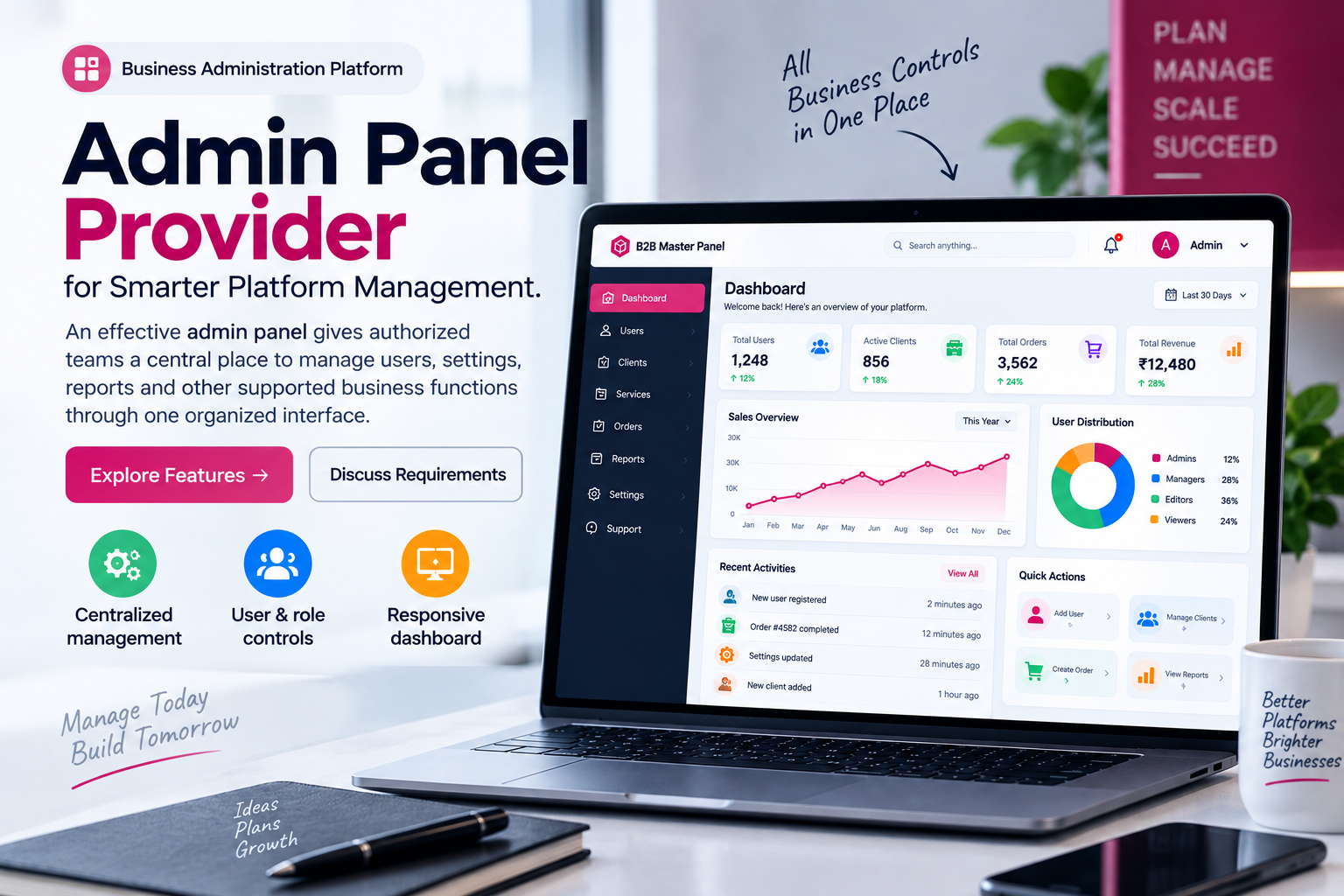
Admin Panel Provider for Smarter Platform Management.

An effective admin panel gives authorized teams a central place to manage users, settings, reports and other supported business functions through one organized interface.

✓ Centralized management ✓ User & role controls ✓ Responsive dashboard
Admin panel provider dashboard and business administration interface
✓ Easy Administration
✓ Centralized Control
Administration Platform

What Is an Admin Panel?

An admin panel provides a private working area where authorized users can manage supported parts of a website, application or business platform.

An admin panel is more than a login page. It is the management side of a digital platform, where authorized users can access the controls and information they need to run supported operations.

Depending on the type of platform, an administration dashboard may include user management, configuration, reports, notifications, permissions, activity information and other tools.

The structure of an admin panel should follow the actual workflow of the people using it. A small team may need a simple dashboard with a few important controls, while a larger business may need several roles, permission levels and reporting areas.

This is why choosing an admin panel provider should involve more than looking at screenshots or a feature list. Businesses should understand how the platform works, what can be customized and what kind of support is available after implementation.

If your requirements are specifically business-to- business, you can also explore our B2B admin panel provider page, which goes deeper into B2B administration, user permissions and business management.
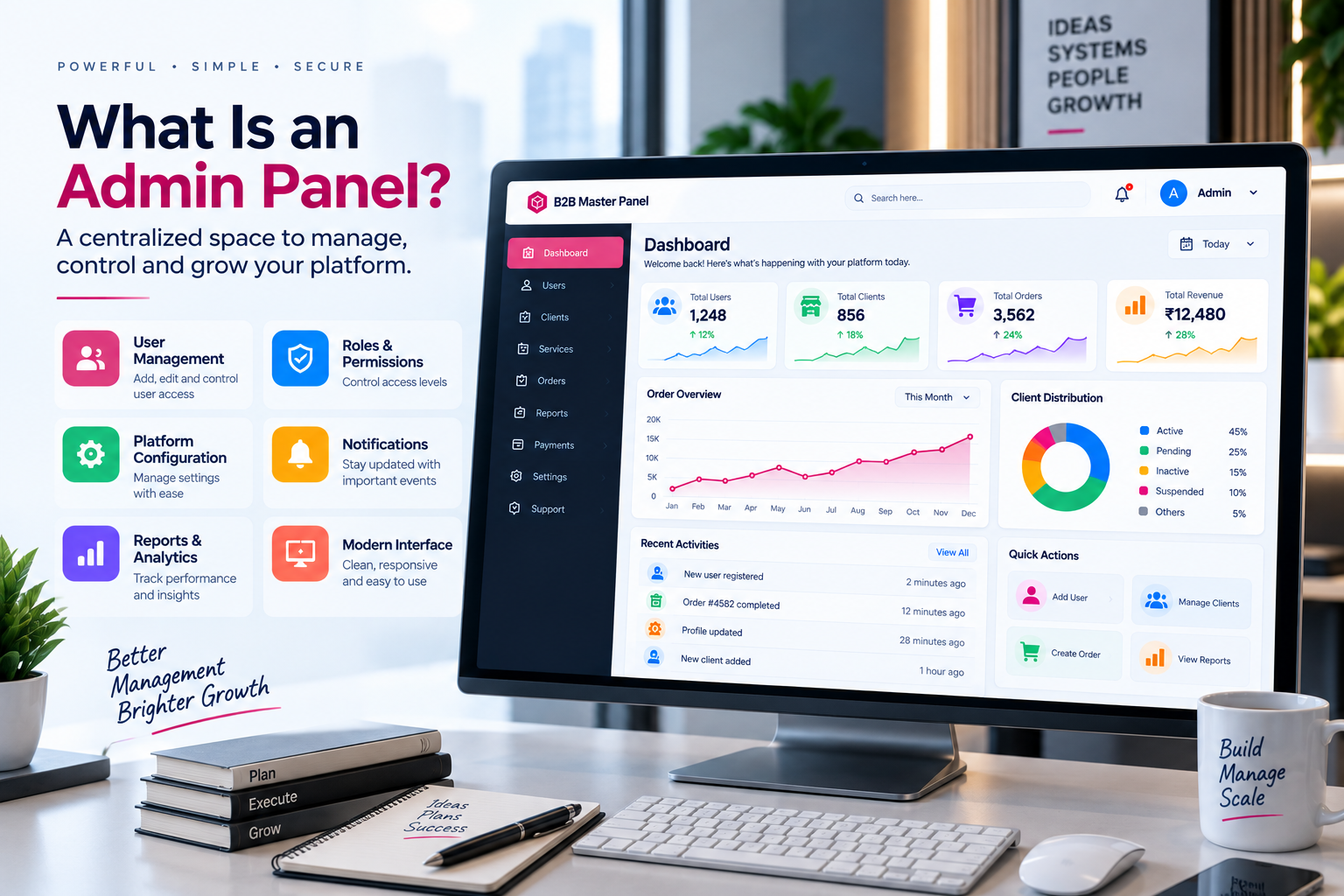
Modern admin panel dashboard for business management
Centralized Dashboard

A Clear Admin Dashboard Makes Daily Management Easier

The dashboard is normally the first area users see after signing into an administration platform. It should give them a clear understanding of what is available and where they need to go next.

A useful admin dashboard does not have to display everything at once. Instead, it can prioritize the information and controls that are most relevant to the user's role.

This approach can make an administration platform easier to learn and reduce the time users spend searching through menus.

✓ Clear dashboard navigation
✓ Important information at a glance
✓ Role-based dashboard access
✓ Organized management tools
✓ Responsive interface
Core Capabilities

Important Admin Panel Features

The exact feature set changes from one platform to another, but these are some of the areas businesses commonly review when comparing admin panels.

01

Dashboard Management

A central dashboard provides a structured starting point for accessing supported administration tools and important platform information.

02

User Management

Authorized administrators can manage supported user accounts and keep access organized as the business grows.

03

Roles & Permissions

Different team members can have different responsibilities, making permission management an important part of many admin panels.

04

Platform Settings

Supported configuration tools allow administrators to manage relevant settings without accessing the underlying system directly.

05

Reports

Reporting areas can help authorized users review relevant platform information and understand operational activity.

06

Notifications

Where supported, notifications can keep users aware of important administrative events and tasks.

07

Activity Monitoring

Activity information can provide administrators with a clearer view of relevant changes and platform events.

08

Responsive Design

A responsive administration interface can adapt to desktop, tablet and mobile screen sizes.

User Administration

User Management Inside an Admin Panel

Managing users becomes more important as more people start working with the same platform.

An administration platform can become difficult to manage if every user has the same access. Different employees often perform different tasks, so they may need different areas of the system.

A well-structured admin panel can organize these accounts through supported roles and permission settings. For example, one user may only need access to reports, while another may be responsible for configuration or user management.

The exact options depend on the platform. When comparing an admin panel provider, ask how users are created, how access is changed and how administrators can disable or remove access when required.

Why simple user management matters

Good user management is not only about adding accounts. It is also about keeping the administration environment understandable as the number of users increases. Clear account information, organized roles and sensible permissions can help reduce confusion.

Access Control

Roles and Permissions for Different Users

A business administration system should make it clear who can access which parts of the platform.

A

Administrator

An administrator may require broader access to platform settings, users and configuration.

M

Manager

Managers may need access to selected reports, operational information and team-related functions.

U

Standard User

Standard users can be limited to the tools required for their particular responsibilities.

R

Reporting Access

Some users may only require access to supported reports and information rather than administrative settings.

A flexible permission structure can make an administration platform easier to manage when a business has multiple teams. Before selecting a provider, ask whether roles can be modified as the organization changes.

For businesses specifically researching a B2B admin panel , permission management is particularly useful because different business users may have different responsibilities within the platform.

Reporting & Visibility

Reporting Tools Can Bring More Visibility to Platform Activity

Good reporting starts with presenting useful information in a format that people can understand.

Businesses often need to review information collected by their platform. Depending on the system, an admin dashboard may include reports, summaries, filters or activity views that help authorized users understand what is happening.

The important point is not simply having a large number of reports. The information should be relevant to the people using it. A manager may want a summary, while an administrator may need more detailed information.

When evaluating different admin panels, check how reports are organized and whether users can access the information they actually need.

✓ Organized reports
✓ Relevant dashboard summaries
✓ Useful filtering where supported
✓ Role-based report access
Flexible Platform

Admin Panel Customization and Configuration

Every business has its own workflow, so a fixed administration interface may not always be enough.

Customization can mean different things depending on the provider. In some platforms, it may simply mean changing branding, colors, logos and selected navigation elements. Other systems may support deeper configuration.

Businesses should separate standard configuration from custom development. A setting that can be changed from the dashboard is different from a feature that requires changes to the underlying application.

This is an important conversation to have with an admin panel provider before implementation. Make a list of the changes your business needs and ask which ones are included.

If your requirement is specifically for a larger business management environment, you can also review our master panel provider page.

Administration & Security

Security and Access Should Be Part of the Planning

An admin panel controls sensitive management functions, so access should be considered from the beginning.

Because an administration dashboard can provide access to important platform settings and business information, only authorized users should be able to access it.

Businesses should ask their admin panel provider about the available account protection, permission structure, login controls, activity records and update process.

The exact security features will depend on the underlying technology and implementation. It is therefore useful to understand the actual platform rather than assuming that every provider offers the same controls.

Questions to ask your provider

✓ How are administrator accounts protected?
✓ How do roles and permissions work?
✓ Is relevant activity recorded?
✓ How are platform updates handled?
✓ What support is available if an issue occurs?
Choosing a Provider

How to Choose an Admin Panel Provider

The provider matters because the software is only one part of the overall platform experience.

1. Look at the actual platform

Start with the interface itself. Review the dashboard, menus, user management, reports and configuration areas. A real demonstration can tell you much more than a short list of advertised features.

2. Understand the available features

Make a list of the functions your team actually needs. Then compare that list with what the provider offers. Avoid paying for a large collection of features that your business will never use.

3. Ask about customization

If your platform needs a specific design, branding, workflow or configuration, discuss those requirements before implementation.

4. Review user permissions

Find out whether the platform supports different roles and whether permissions can be adjusted later.

5. Understand technical support

An admin panel becomes part of everyday business work, so support can become important after launch. Ask how technical questions are handled and what support is included.

6. Think about future growth

Your requirements may change as the business grows. Consider whether the platform can support additional users, workflows, reporting requirements and configuration in the future.

If you are comparing a broader B2B solution, visit our B2B panel page. For a more focused look at B2B administration, read our B2B admin panel provider guide.

Different Requirements

Admin Panels Can Be Designed Around Different Workflows

There is no single dashboard structure that is perfect for every business.

01

Small Teams

Smaller teams may prefer a simple dashboard with the most frequently used administration functions close at hand.

02

Growing Businesses

Growing organizations may need more user roles, permissions, reporting and configuration as their internal workflow expands.

03

Multiple Teams

Businesses with several departments may benefit from clearly separated access and responsibilities.

04

Business Platforms

Larger platforms may require a combination of administration, reporting, configuration and account management tools.

Understanding the Difference

Admin Panel vs. Master Panel

The terms can sometimes overlap, but they are not necessarily describing exactly the same thing.

An admin panel generally refers to the management interface used by authorized users to control supported areas of a website, application or platform.

A master panel can describe a broader management environment that brings several platform-level functions together. The exact meaning depends on the software and provider.

For this reason, businesses should look at the actual functions rather than choosing a platform based only on terminology.

If you are specifically researching master panel solutions, our master panel provider page provides additional information about centralized platform management.

Businesses looking for a B2B-focused administration environment can also review our B2B admin panel provider page.

Simple Workflow

How an Admin Panel Fits Into Daily Platform Management

01

Sign In

Authorized users enter the administration environment through the available login system.

02

Check the Dashboard

Users review relevant information and access the management functions available to their role.

03

Complete Tasks

Authorized users manage supported settings, accounts, reports or other platform functions.

04

Review Information

Reports and activity information can help teams review relevant platform data.

Detailed Guide

What Makes an Admin Panel Useful?

The interface should match the workflow

An administration platform should be built around the work users actually need to complete. If employees regularly use the same three or four functions, those functions should be easy to reach.

Information should have a clear place

A dashboard becomes harder to use when every metric, notification and setting is displayed at the same level. A better approach is to organize information into logical sections so users can quickly understand where to look.

Permissions should be understandable

When a business has multiple users, unclear permissions can create unnecessary confusion. Administrators should be able to understand which role has access to which part of the platform.

Reports should serve a purpose

More reports do not automatically mean a better platform. Reports should help users answer practical questions about the information they are responsible for reviewing.

Configuration should not feel complicated

Where configuration is available, common settings should be presented in a way that administrators can understand without constantly needing technical assistance.

Support matters after launch

Choosing an admin panel provider is also a long-term decision. The platform may become part of everyday business operations, so it is worth understanding how updates, troubleshooting and support are handled.

Admin panels should be reviewed on real devices

A dashboard can look excellent on a desktop but become difficult to use on smaller screens. If your team needs mobile access, test the actual interface on the devices employees use.

A practical evaluation should therefore cover the interface, functionality, access controls, customization, reporting and support rather than focusing on a single feature.

Related Platform Pages

Continue Exploring Our Panel Solutions

Explore the pages below to understand different parts of the platform and administration ecosystem.

01

B2B Admin Panel Provider

Detailed information about business-focused administration panels, permissions, reporting and management.

Read B2B Admin Guide →
02

B2B Master Panel Provider

Explore the broader B2B master panel concept and centralized platform management.

Read B2B Master Panel →
Frequently Asked Questions

Admin Panel Provider — FAQs

Answers to common questions about administration dashboards and panel providers.

What is an admin panel?

An admin panel is a private management interface used by authorized users to control supported parts of a website, application or business platform.

What does an admin panel provider do?

An admin panel provider supplies or supports the administration platform and may provide setup, configuration, customization, technical support and maintenance.

What are common admin panel features?

Common areas include dashboard management, user accounts, roles, permissions, configuration, reporting, notifications and activity monitoring.

Can admin panels be customized?

Many platforms support some level of customization, although the available options depend on the provider and underlying technology.

Are admin panels responsive?

A responsive admin panel can adapt to desktop, tablet and mobile screens. The actual interface should be tested on the devices your team uses.

How should I choose an admin panel provider?

Compare the real platform, features, customization, permissions, security controls, support and maintenance arrangements before making a decision.

Admin Panel Solutions

Looking for an Admin Panel Provider?

Review the platform, compare the available features and discuss your actual business requirements before implementation.